
Upload and View Photos
Multiple photos, maps, notes or sketches can be uploaded to the Face page and associated with the current face. One of these will be selected as the default image that appears when a face is selected for viewing.
To upload a photo, navigate to the upload window. A left click of the mouse inside the window's image box brings up a Windows select file dialog.
Supported image types are jpg and png.
Remember to save the image by clicking the Save button in the Results section, or Save All in the Header section drop-down menu.
A click on an existing image will bring up the image viewer, giving the user a larger view and three (3) options:
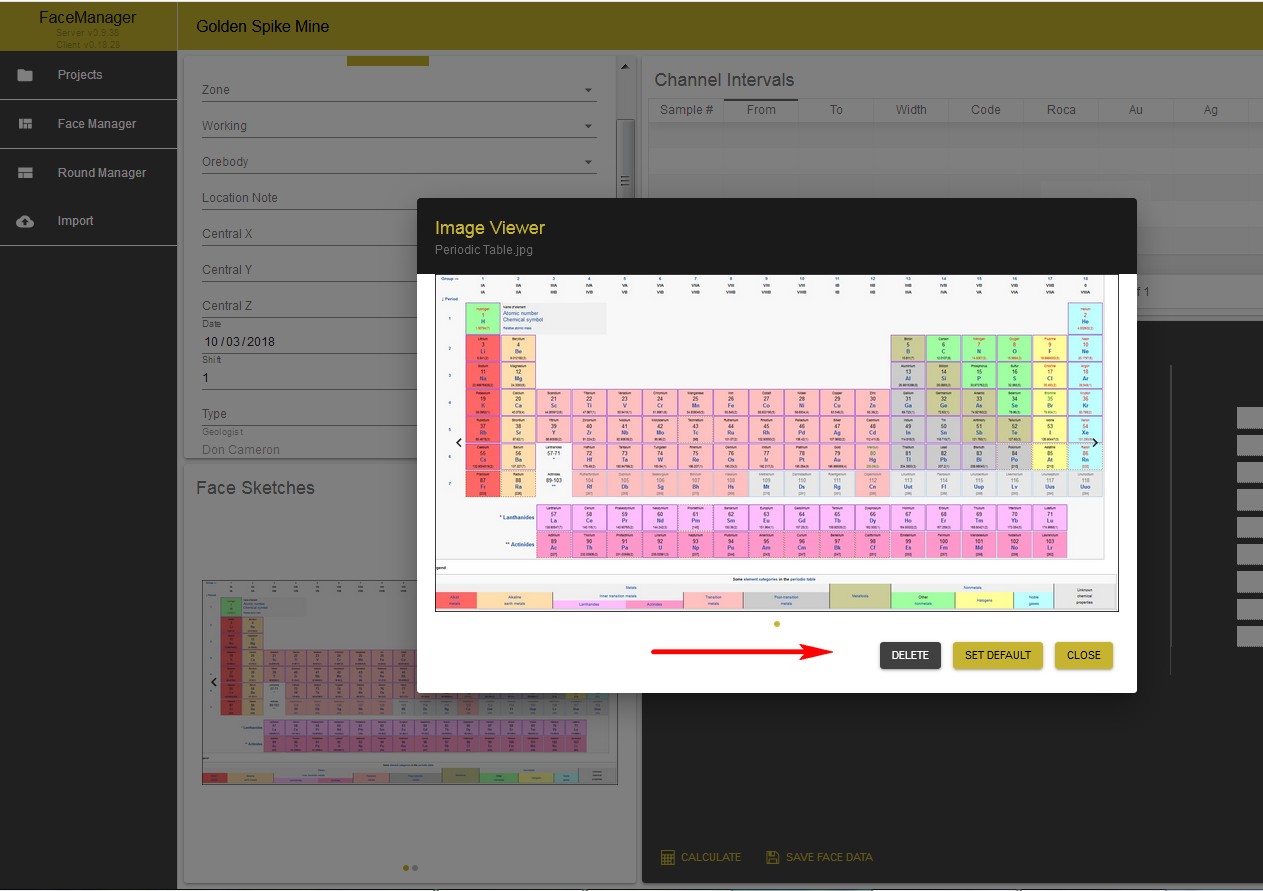
Here is where the image can be chosen as the default image for the form, or deleted.