
User Profile
Each user has a unique profile, including a userid provided by STOPECALCTM support, a customizable password and a regional preference. For the initial login, the user will be directed to the Profile page.
Profile Page
The profile page allows updates to user password or Regional Preference. The user is directed to the page upon initial login or anytime the regional preference is changed.
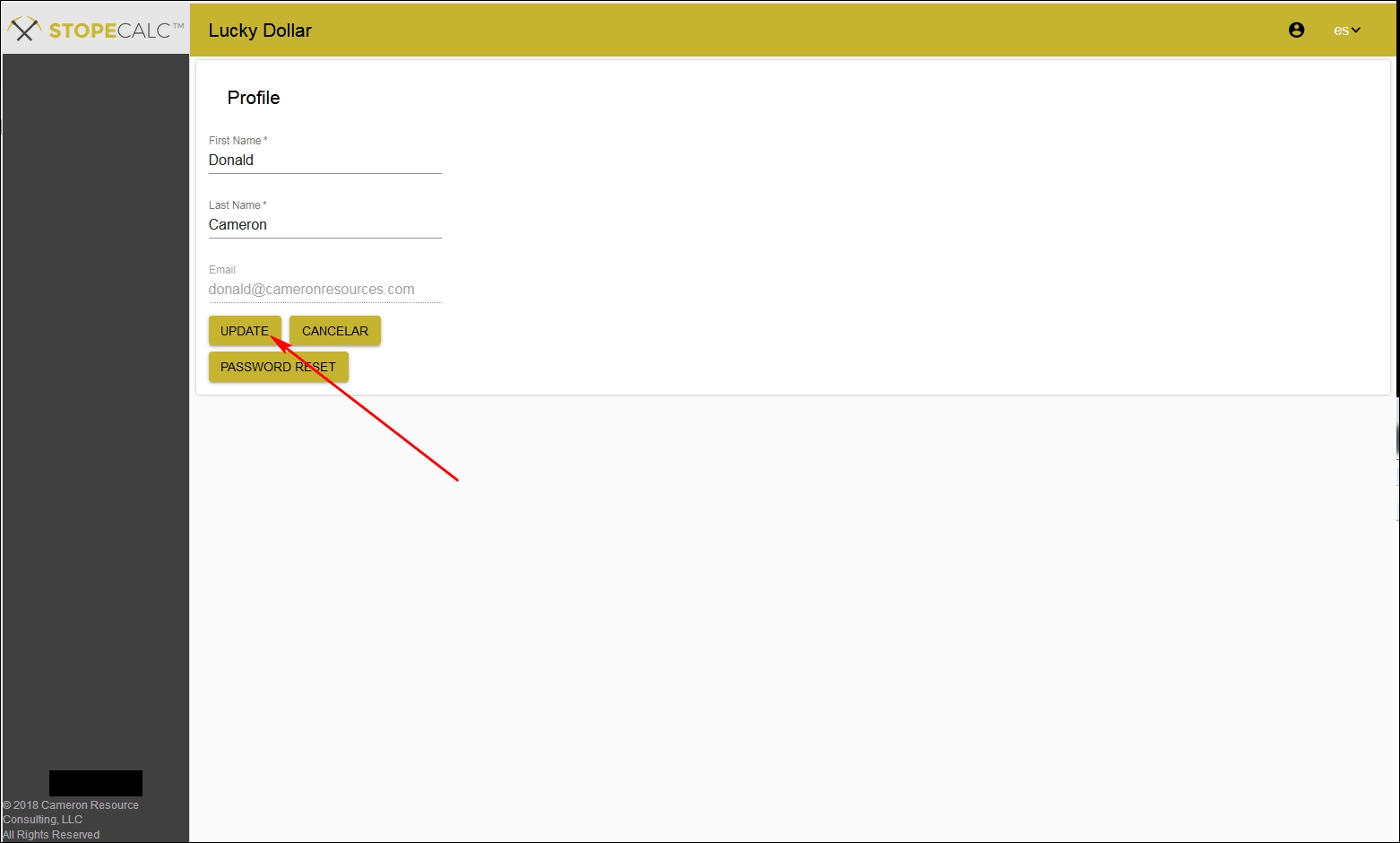
To save the changes made and continue to the program the Update button is selected, directing the user to the Projects page.
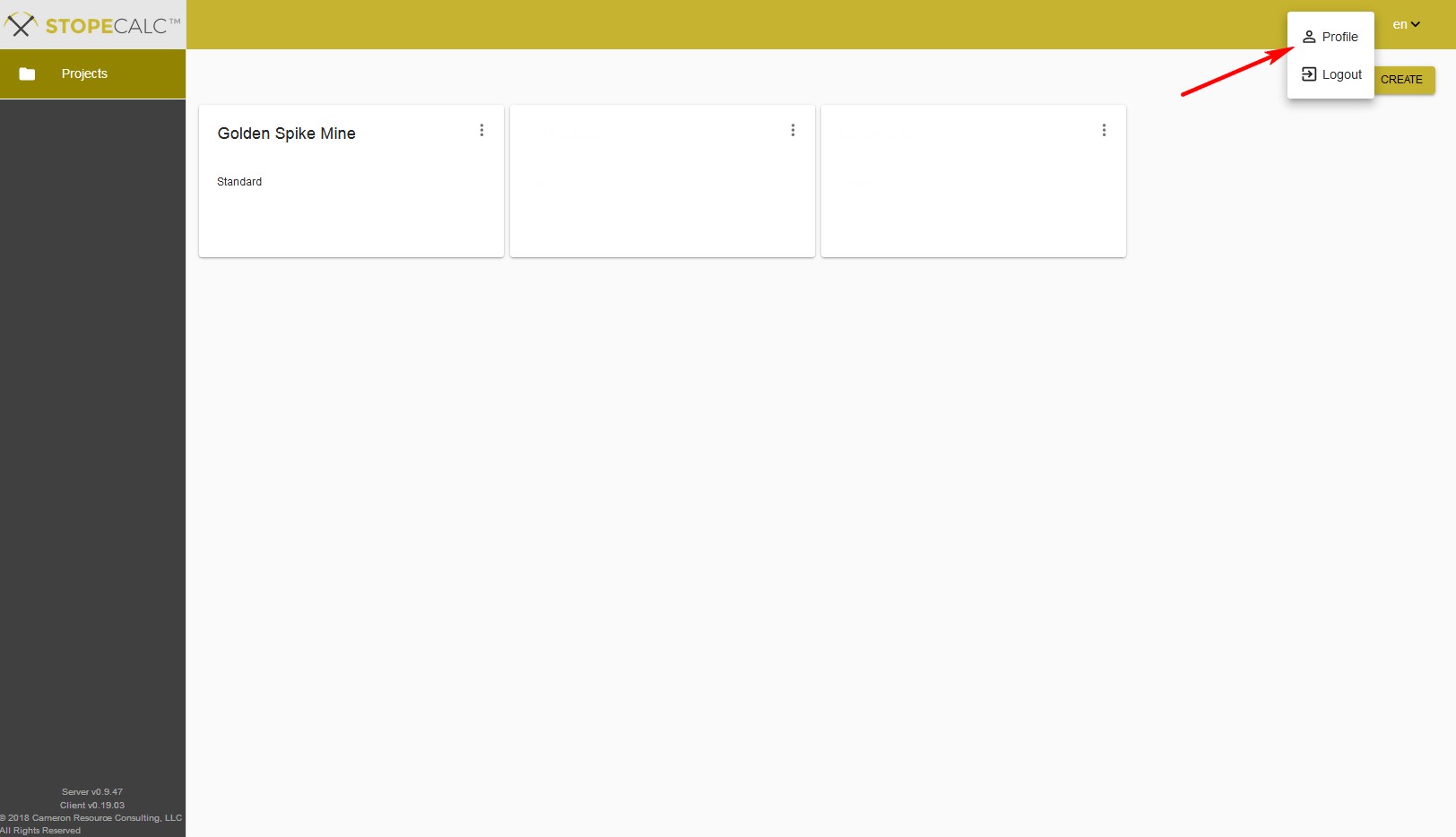
Once at the Project page, you can always access the Profile page from anywhere in the STOPECALCTM by selecting the Profile option at the upper right corner of the current page.
User Profile
STOPECALCTM subscriptions include three user levels: Administrator, User and Reviewer. These are determined by User Support per user and the current subscription(s). Some selection boxes and navigation capabilities are grayed out to prevent non-administrators from inadvertently making changes to Project parameters or data. Capabilities of each user profile are summarized in Subscriptions.