
Exporting Data

STOPECALCTM offers the option to bulk export the entire face and round databases. This may be done in order to manipulate data in other software or for an extra layer of security. Exports dump the entire database content which may involve substantial time depending on internet connection speeds. The Export sections of the Import page comprises four options, as shown below:
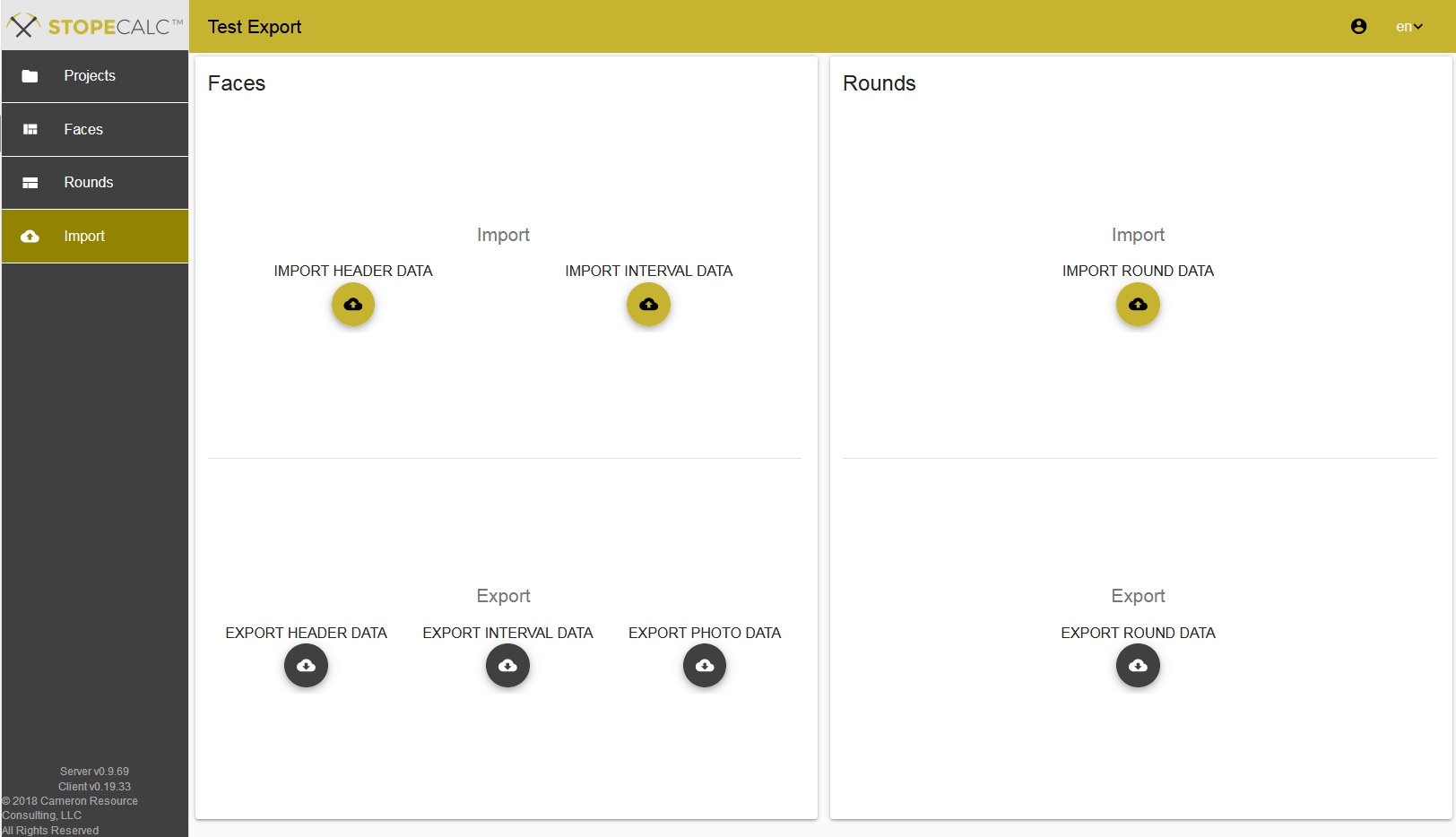
The user is prompted to either open the file or provide a save folder location. All fields required to replicate the database results are included in the export. This feature may be useful for archived records marked as FINAL, where it is desired not to change any calculations made after closing the books for a certain period, or before a change to project parameters such as price or recovery. Reports generated from complete, final re-imported data will be identical to the original results.
In Release 1.0, only the file names of any photos loaded in the database are exported. Each photo file is associated to its Face # and a T/F code indicating whether the photo is the default or not.
Dates are exported in ISO8601 format, can be re-imported without modification, or parsed using delimiter character 'T' to convert them to the user's regional preference.